Add a card shop, show, creator, or vendor to the directory — free.
What you can submit
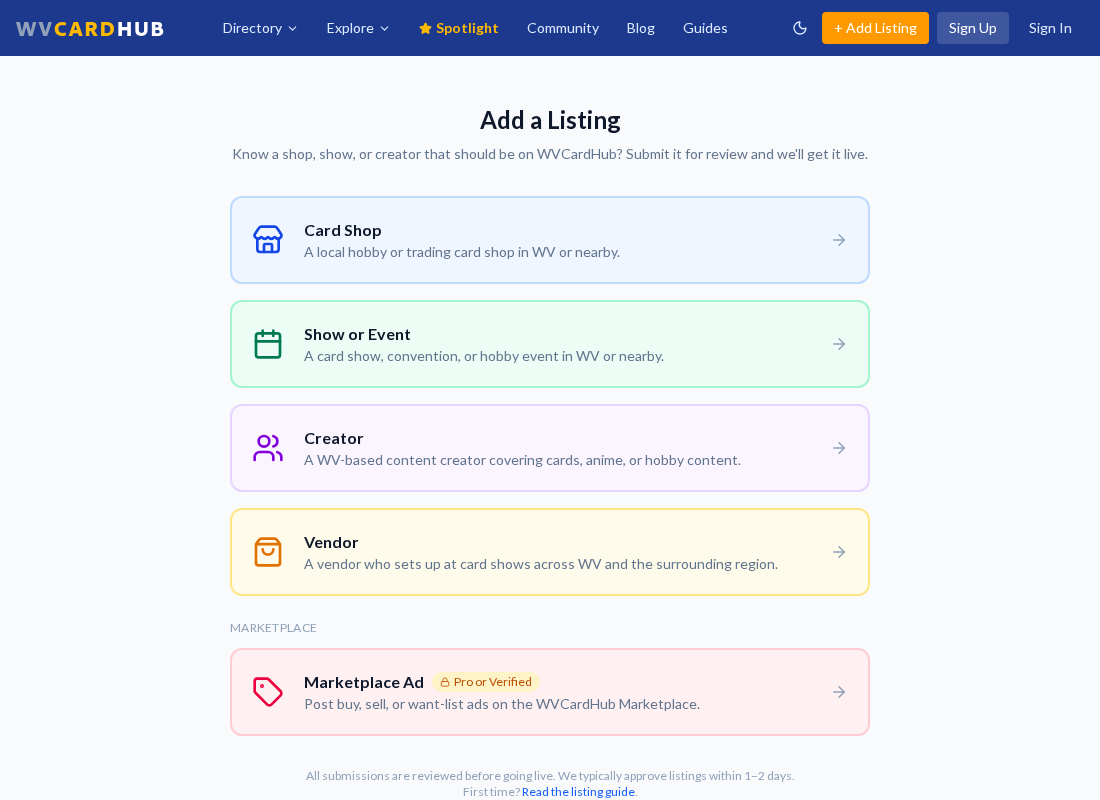
The Add a Listing page — pick the type that fits and fill out the form.
Card Shop — a local hobby or trading card shop in WV or nearby.
Show or Event — a card show, convention, or hobby event.
Creator — a WV-based content creator covering cards, anime, or hobby content.
Vendor — a vendor who sets up at card shows across the region.
How to submit
Sign in (or create a free account) and head to the Add a Listing page.
Pick the listing type and fill out the form — the more detail and photos, the better the listing performs.
Submit. Listings are reviewed by the team and typically go live within 1–2 days.
Listing is completely free. You don't have to own the business to submit it — if your favorite shop is missing, add it and the owner can claim it later.
Tip: Is the shop or show just outside West Virginia? Submit it anyway and check the out-of-state option — it'll appear in the Nearby section.
After you submit
You can keep track of your submissions on the My Listings page. If a listing hasn't been approved after a couple of days, reach out on Discord and we'll take a look.